
Roadside · Toronto & the GTA
Roadside help in Toronto, sent to wherever you're stuck.
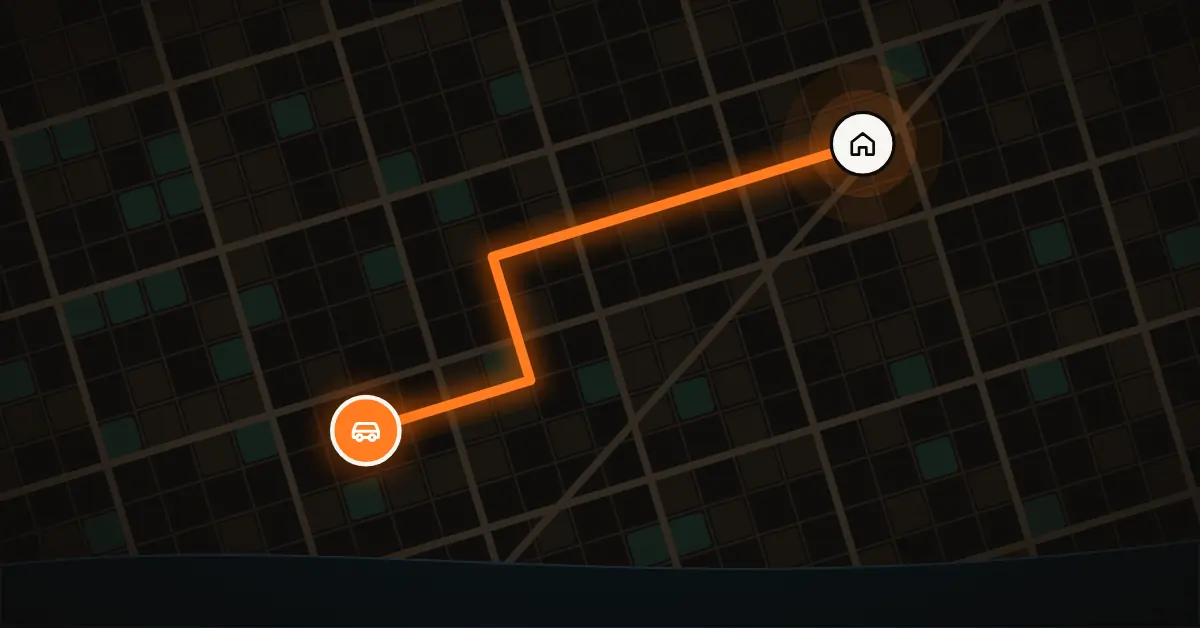
Flat tire, battery boost or fuel. Request help in the Revly app and watch your roadside tech drive to you on the map, with a live ETA once they accept.
Request roadside help in the Revly app.


On Android? Get it on Google Play
On iPhone? Download on the App Store
Revly is a phone app. On a computer? Open revly.ca/download on your phone.
Free to download · Pay when the work is done · Toronto & the GTA
Help depends on which roadside techs are nearby and available right now, so we can't promise an arrival time. You'll see a live ETA once one accepts, and cancelling is free until then.
We use Google and Meta ad measurement on this page to see which ads bring people here. Ad choices · Privacy
On the way · live ETA
If you're in danger, call 911 first.
Stuck in a live highway lane, or just had a collision? Call 911 before anything else. Revly connects you with independent roadside providers. It isn't an emergency service.
Services
What you can request
Roadside requests go out straight away. There's no appointment to pick.
Flat tire
Your spare put on, where you are.
Battery boost
A jump-start for a flat battery.
Fuel delivery
Ran out? Fuel brought to your car.
Towing
Offered by some roadside providers, from where you are to a drop-off you choose.
Each roadside tech sets the services they offer and their rates, so not every tech offers every service. You see the price before you request.
How it works
Four taps. Done.
Most automotive service is built for the shop. Revly is built for your phone — every step happens in the app, with the work happening wherever you are.
Step 1 of 4 · Provider
Choose a pro
Tap Roadside in the Revly app and pick a provider near you. Their rating, reviews and prices are right there.
Step 2 of 4 · Request
Request help
Choose what you need, add your vehicle and pin where you are. There's no appointment to pick: you see the full price, then tap Request now.
Step 3 of 4 · Track
Watch them arrive
When they accept, their pin shows up on your map with a live ETA, and you watch them drive over. Chat in the app if you need to.
Step 4 of 4 · Done
Approve. Pay. Rate.
Approve the finished work and your card is charged. Rate the job. Itemized receipt, HST included.
Live tracking
No more
“where are you?”
The moment a pro accepts your job, their pin shows up on your map. You watch them drive over. They don’t text. You don’t ask. The whole thing just works.
- Live GPS from the moment they're on the way
- ETA updates as they drive
- Chat in the app. Your number stays private.
Your roadside tech is on the way
Their live ETA updates as they drive.
Why Revly
Built like service should be.
Request now
Roadside requests go out straight away. There's no appointment to pick.
Watch them drive over
Live GPS and ETA from the moment they're on the way. No texts, no guesses.
Vetted providers
Every provider is ID-checked and reviewed by our team before they can take a job.
No phone calls
Message your provider in the app. Your number stays private.
Pay when it's done
Your card is authorized when you request and charged when the job is complete.
FAQ
Questions, answered.
How soon can someone get to me?
We can't promise an arrival time. Help depends on which roadside techs are nearby and available. Once one accepts, their pin and a live ETA appear on your map, and you can cancel free until someone accepts.
Is help available at night?
Roadside providers set their own hours, so who's available changes through the day. Open the app to see who's available near you.
What if I'm on a highway?
If you're in a live lane or anywhere unsafe, call 911 first. Otherwise, pin your exact location so the provider can find you.
Do I need a roadside membership?
No. Revly isn't a membership. The app is free to download, and you pay for each job when it's done.
How much does it cost?
Each provider sets their own rates, and you see the full price (service, platform fee and HST) before you confirm. No haggling at the door.
When is my card charged, and can I cancel?
Your card is authorized when you request help and charged when the job is done. Cancelling is free until a provider accepts. Roadside and towing providers set off the moment they accept, so cancelling after that charges the service amount; taxes and the platform fee are refunded. If the provider has been at your pinned location for at least 10 minutes and can't find you, a no-show fee may apply. The exact terms are shown in the app before you confirm.
Get Revly
Service that comes to you.
Free to download. Request roadside help in the app and watch your tech arrive on the map.
On Android? Get it on Google Play
On iPhone? Download on the App Store
Revly is a phone app. On a computer? Open revly.ca/download on your phone.